How to Make a Photo Collage Birthday Card

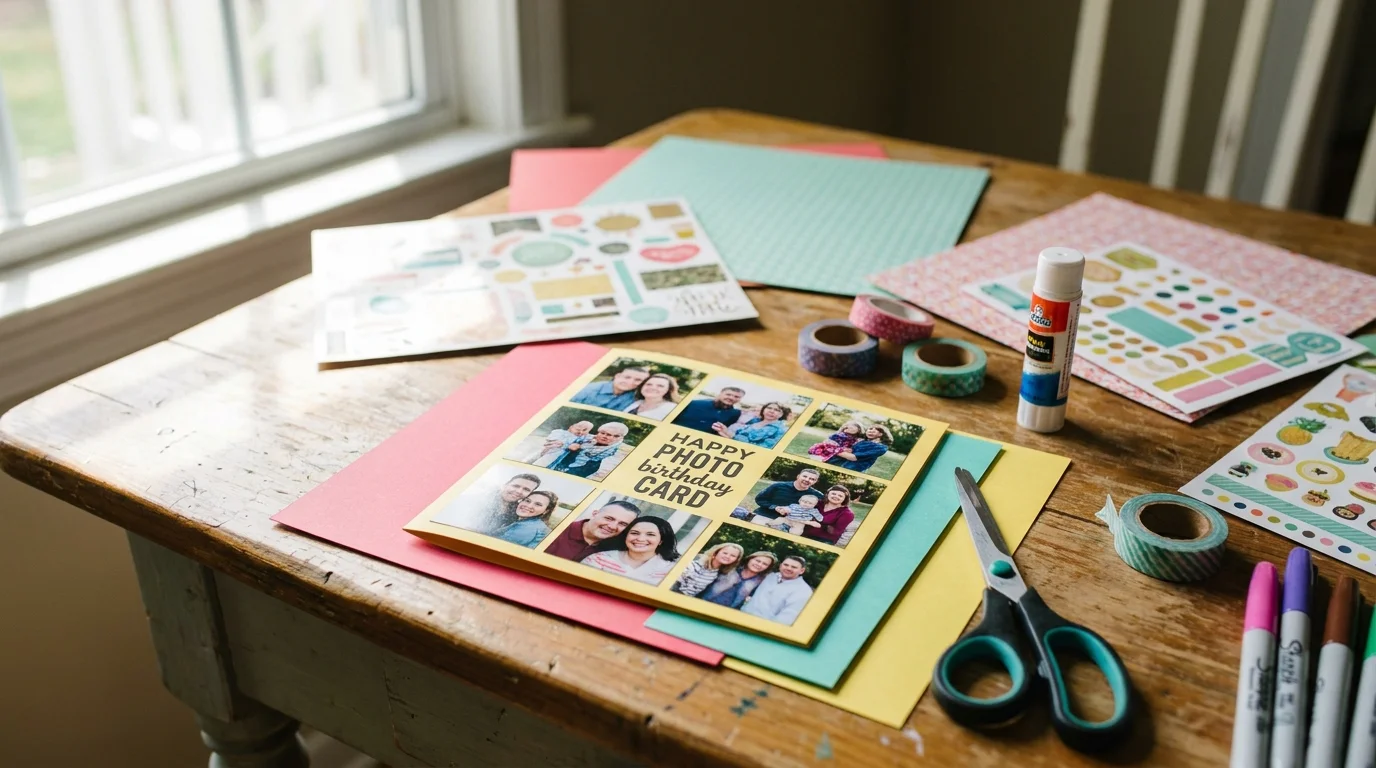
A generic store-bought card often ends up in a trash bin or a dusty drawer. But a photo collage birthday card is a keepsake that tells a real story.
It shows you actually put thought into the gift. Most people want to make one but feel they lack the design skills to do it right. You might worry about making something that looks cluttered or messy.
In this guide, you will learn how to pick a theme that works. We will look at modern AI tools that arrange your photos for you. You will also find out the best ways to print your card so it looks professional.
Whether you need personalized birthday card ideas or a quick digital gift, this guide has you covered.
Making DIY gifts should be fun, not frustrating. Here is how to create a card they will actually want to keep.
3 Ideas to Pick Your Theme and Layout
Before you touch a single photo, you need a vibe. A theme keeps your card from looking like a random pile of pictures. You want a cohesive look that matches the person’s personality.
For a 50th birthday, a “Golden Years” theme with black and gold accents works well. For a younger friend, try a “Neon Pop” style with bright pinks and blues.
You also need to choose your layout. A classic grid is clean and easy to read. If you want something more modern, try a free-form cluster.
Many digital photo collage maker tools now use AI to group photos by facial recognition. This helps you find all the best shots of your friend in seconds.
Pro-Tip: Use a “Timeline” layout for milestone birthdays like a 1st or 18th. It shows how much they have grown over the years.
Subscribe to DIY Craft Bloom
Get updates on the latest posts and more from DIY Craft Bloom straight to your inbox.
When picking layout templates, think about the birthday aesthetics. Do they like minimalism or a “more is more” look?
2026 Color Palette Trends:
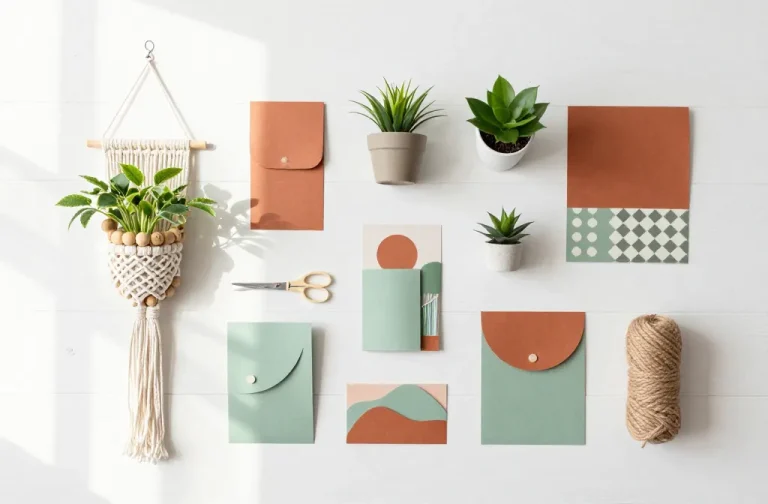
- Earthly Minimal: Sage green, cream, and clay.
- Electric Retro: Deep purple, teal, and silver.
- Soft Sunset: Warm orange, peach, and soft yellow.
How to Select and Edit the Perfect Photos
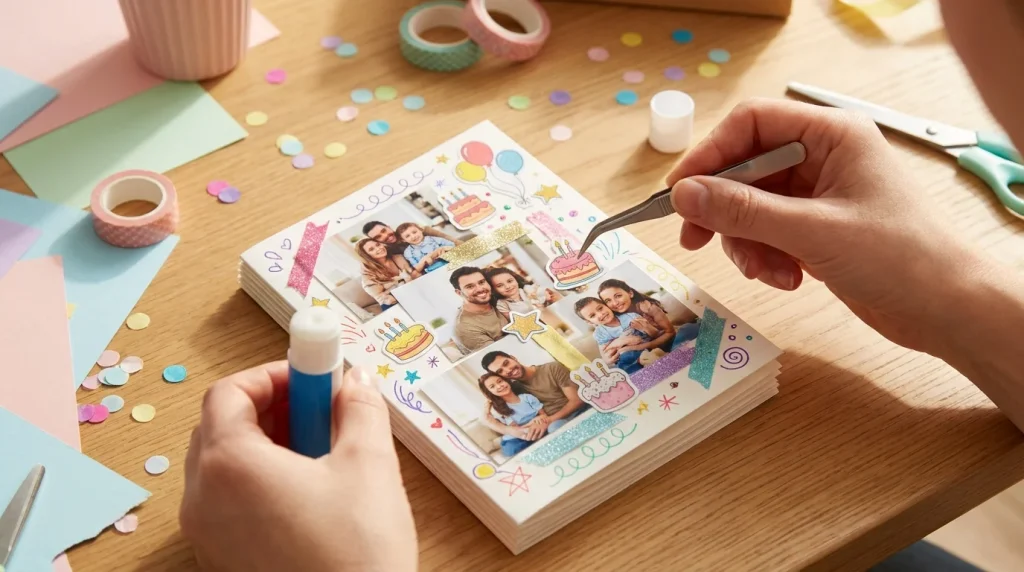
The secret to a great collage isn’t the software. It is the curation. You might have 500 photos of your best friend, but you should only pick 5 to 9 for a card. Too many photos make the card hard to look at.
Once you have your favorites, use a background remover tool. This lets you layer images on top of each other without ugly boxes around them. Make sure all your photos have a similar look.
You can do this by applying the same filter to every shot. This creates a “Master Filter” effect that makes the whole card feel like one piece of art.
Quality matters more than anything else. If you are printing the card, you need high-resolution images. Aim for 300 DPI (dots per inch). If the photo looks blurry on your phone, it will look worse on paper.
Avoid using low-quality social media screenshots. They often pixelate when printed. Stick to original files from your camera roll for the best printable birthday card templates.
Photo editing should be simple. Brighten the shadows and sharpen the details, and you are ready to go.
2 Smart Tools for 2026 Designs
You don’t need to be a pro artist to make a card. In 2026, tools like Canva and Adobe Express do most of the heavy lifting.
Canva now has a “Magic Layout” feature. You just dump your photos in, and the AI suggests the best spots for them. It even leaves room for your text automatically.
Subscribe to DIY Craft Bloom
Get updates on the latest posts and more from DIY Craft Bloom straight to your inbox.
Adobe Express is great for quick edits on your phone. It has “Smart Templates” that auto-adjust when you drag and drop a new image. If you move one photo, the others shift to stay balanced.
For those who like a physical look, look for Polaroid-style layouts. These give a nostalgic feel even if the photos were taken yesterday.
You can also use “Generative Fill” to fix a photo that was cropped too tightly. It can add more sky or more grass to make the photo fit your frame perfectly.
Your 5-Step Assembly Guide
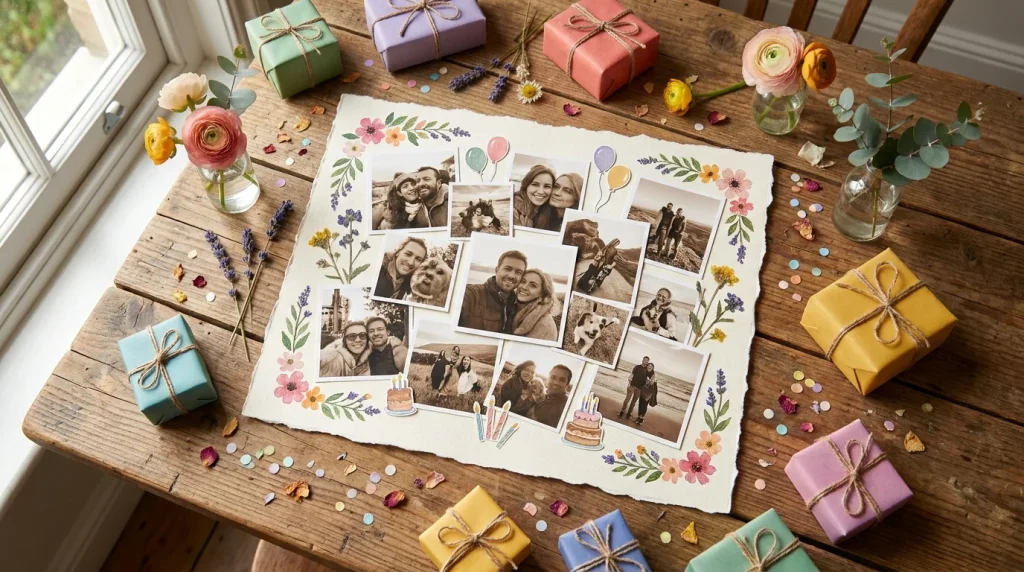
Now, let’s put the pieces together. Follow these steps to finish your card in minutes.
- Open your template: Pick a size that fits a standard envelope.
- Upload your 5 to 9 photos: Use the ones you edited earlier.
- Apply a Master Filter: This makes the colors match across the whole card.
- Add your text: Keep the message short. A simple “Happy Birthday” in a bold font works best.
- Check your margins: Keep important faces away from the very edge of the paper.
Pro-Tip: Always check the “Bleed” settings in your print menu. This ensures the design goes all the way to the edge of the paper with no white borders.
Final Look Checklist:
- Are the names spelled correctly?
- Is the date right?
- Are the photos clear and not blurry?
The Best Way to Finish Your Card
From picking a theme to hitting the print button, creating a custom card is the ultimate personal touch. It proves that you value the memories you share with the birthday person.
Whether you send it as a digital file or hand it to them in person, they will notice the effort.
You now know how to make a photo collage birthday card that looks professional and heartfelt. It is time to stop scrolling and start creating.
Grab your favorite photos and build something special today. Start your design now and see how much a simple card can mean to someone you love!